
Lifestyle
Why Your 20s Might Be the Best Time to Travel Europe


What better time to explore the continent of endless diversity than the time in your life dedicated to self-discovery.
Indeed, Europe’s extraordinary history, unity that perseveres despite differences, abundance of culture, and culinary complexity all speak resoundingly in its favor. Much of the continent is accessible as well, both in terms of transportation reliability and the likelihood of encountering friendly, English-speaking natives.
Here are the most compelling reasons to visit in your 20s, and a few practical tips to make the trip run smoothly.
It Lets You Experience Independence
For many young adults who haven’t entered the workforce yet, studying and chores are the only kinds of responsibility they’ve experienced. A trip is an excellent opportunity to get a taste of more! Suddenly, you’re choosing a destination, building itineraries, renting Airbnbs, and figuring out transportation.
All of this builds both character and independence. You have to think ahead and prove yourself capable of navigating an unfamiliar environment for days or weeks while keeping all your personal needs met. The self-reliance and resourcefulness you develop during such a trip quickly become second nature. Better yet, it’s an experience that doesn’t fade and can be adapted to do better in college and at work.
It Builds Resilience
Few trips play out perfectly and exactly as planned. Your train might run late, or the hostel you’ll be staying at might be overcrowded and lean closer to shabby than chic. You may also experience immaterial problems like language barriers if you venture out into rural areas, or just plain old culture shock.
Since such nuisances are unavoidable, the trip is an opportunity to practice responding to them correctly. Treat setbacks with patience and adapt by finding workarounds or alternatives. Remaining cool under such pressure and thinking quickly will be just as valuable – if not more so – once you start dealing with testy managers and demanding customers.
You’re Exposed to New Cultures and Ideas
Europe packs a dizzying variety of nations, cultures, and outlooks into a relatively compact space. You could be marveling at the British’s dry humor and obsession with queues one day and fascinated by the easy-going nature of people on the Dalmatian coast the next.
It’s impossible not to have your horizons broadened when experiencing shifts like these. For many young travelers, it’s the first time they come into contact with people who have completely different life experiences and may hold unique values. You end up realizing that one can thrive while living life in completely different ways, which may push you to find out what kind of life you want to lead.
It’s Easier than Ever
Tech advances have made everything around Euro trips easier and more accessible. Digital maps mean you’ll never get lost, while real-time transport apps ensure you won’t miss a train connection or get onto the wrong tram line. You can also easily pay for things via phone or use translation apps to prevent misunderstandings.
The infrastructure that makes all this possible is also highly developed practically everywhere in Europe. The most convenient way to take advantage of this is with a digital SIM card. Say you’re visiting Bordeaux, then an eSIM for France is what you need. But if you’re visiting multiple destinations, then activating a regional eSIM plan lets you access local mobile data, whichever European country you go. That way, you ditch having to buy new data packs when hopping borders or fiddling with physical SIM cards.
What to Keep in Mind When Traveling Europe?
Lastly, here are a few tips to make the trip run smoother and become even more memorable.
- One trip won’t be enough to see and do everything worthwhile, even if you’re only visiting 2-3 countries. Accept that, ditch box-ticking in favor of a few key experiences, and leave room in your itinerary for spontaneity.
- Train travel makes the most sense, whether internationally or between cities. Trains in much of Europe are clean and reasonably punctual. Rides are cheaper than plane tickets, and taking in the scenery in comfort more than makes up for the time difference.
- Big cities attract their share of scammers. Be aware of pickpockets, ATM skimmers, and local variants of other scams to stay safe.
- Avoid public Wi-Fi, especially in touristy places and crowded venues where it’s easier to exploit. Using the best eSIM for Europe is safer and more convenient since it doesn’t tie you down.
- There’s nothing wrong with creating a large photo album or sending clips to people back home. That said, don’t let documenting the trip get in the way of making meaningful, lasting memories that can only happen when you put the phone down.
- Similarly, don’t expect the trip to be straight out of a social media reel. An influencer’s curated highlights conveniently omit the dozens of little frustrations that will inevitably happen. Embrace the imperfections and use them to grow.














Founders love to brag about long hours. However, running on five hours of sleep is like funding a company with a maxed-out credit card. Eventually, the bill arrives, and it usually shows up as poor decisions, short tempers, and missed chances. Seeing rest as an asset changes the math.
What Poor Sleep Really Costs
Tired brains struggle with judgment, memory, and impulse control. Researchers have long tied short sleep to weaker focus, shakier moods, and rising stress. For founders, those effects multiply, since every choice affects revenue, staff, and customers.
Leadership suffers most. In fact, better leaders tend to be better sleepers, which makes rest one of the cheapest upgrades available to any team head.
Build a Sleep Routine With a Clear Plan
Good results come from consistent systems. Try these steps for two weeks:
- Set a fixed lights-out time and guard it like a client meeting.
- Create a shutdown ritual. Writing tomorrow’s top three tasks lets the mind stop juggling.
- Silence screens an hour before bed, because blue light delays sleepiness.
- Cap caffeine at noon, since a late espresso lingers for hours.
- Track results daily, just as we would track any key metric.
Design a Space That Supports Recovery
Remote founders often blur the line between work and rest. As a result, common home office mistakes can follow us into the bedroom, where laptops glow beside the pillow.
Hotels solved this problem long ago. Guest rooms are built for restful nights, so they feature tough, tidy headboards, including Knightsbridge bed heads, made for commercial use and offered in customizable finishes. We can copy the idea at home by creating a calm, clutter-free sleeping zone that signals the end of the workday.
A few additions help:
- Blackout curtains to block early light.
- A cool room, ideally between 60 and 67 degrees.
- A supportive mattress and bedding that suit our sleeping style.
- A charging station outside the room, so alerts stay out of reach.
Measure the Return
After two weeks, review energy levels, mood, and decision quality. Most people notice sharper focus first, followed by steadier patience during stressful meetings. Small gains compound quickly, much like interest on a smart investment.
If sleep problems persist despite good habits, consider talking with a doctor. Chronic insomnia and conditions such as sleep apnea respond well to treatment.
The Bottom Line
Hustle culture treats rest as wasted time, yet the data points the other way. Protect sleep, design a room that supports it, and watch performance climb. Tonight, begin with one change, and let compounding do the rest.

I started walking my dog before opening my laptop out of pure guilt, and it turned into the only productivity trick I’ve kept for more than a month.
That’s the honest version. No fancy morning routine, no cold plunge, no five step journaling system. Just a dog who stares at me at 7:15 a.m. until I put on shoes. What surprised me wasn’t the step count. It was how much calmer my first two working hours became. So I started paying attention to what other pet owners already knew, and it turns out the connection runs deeper than most people assume.
Think about the last time you felt genuinely settled. Chances are a pet was somewhere in the frame. That’s not coincidence, and it’s why so many people build a small daily ritual around their animal. If your dog is older, anxious, or just plain stiff in the mornings, a product like K9 CBD Oil often becomes part of that ritual, not as a cure for anything, but as one more tool in a routine you control. I’ll show you how to build that routine without turning it into a second job.
What the Science Actually Says About Pets and Calm
You don’t need a study to feel it, but the research is comforting anyway. The National Institutes of Health has funded work on the human animal bond for decades, and the broad finding holds up: interactions with animals are linked to lower stress markers and better mood in everyday settings.
Here’s my read on it. The benefit isn’t the animal itself. It’s the forced pause. You can’t scroll your phone and throw a ball at the same time. You can’t answer Slack and brush a dog’s coat properly. The pet yanks you into the present because the task literally requires your hands.
That’s why I’d pick a dog walk over a meditation app every single time. One demands nothing from you and gets skipped. The other has a face and a leash and a mild amount of judgment.
A Framework I Call the Three Anchors
This is the part that made everything stick for me, and it’s the piece most advice skips. You don’t build a pet routine by adding tasks. You build it by attaching pet care to things you already do without thinking. I call it the Three Anchors: morning, midday, evening. One small action per anchor, no more.
Here’s how it looks in practice.
|
Anchor |
Action |
Time cost
|
|
Morning |
Walk or yard time before you open email |
10 to 20 minutes |
|
Midday |
Water check, treat, and thirty seconds of attention |
Under 2 minutes |
|
Evening |
Grooming, massage, or a slow sniff walk |
5 to 15 minutes |
Two things make this work. First, the triggers are already in your day, so you’re not relying on willpower. Second, the midday anchor is deliberately tiny. If a habit takes under two minutes, you’ll do it even on a bad day, and the streak matters more than the duration.
I’ve run this for about eight months now. The weeks it fell apart were the weeks I skipped the midday anchor, not the walks. Small anchor first. Always.
Building the Routine Around an Older or Anxious Dog
Senior dogs change the math. A nine year old Labrador doesn’t want a three mile loop at 6 a.m., and pretending otherwise ends with both of you miserable and you late for a call.
What worked for my neighbor’s aging shepherd was shorter and more frequent. Three ten minute sniff walks beat one long march, and the sniffing seemed to do more for her than the distance ever did. Slow is fine. Slow is often better.
Two habits worth adding if your dog is slowing down or gets rattled by noise:
- A consistent surface. Same route, same sidewalk, fewer surprises for joints and nerves.
- A short wind down. Five minutes of gentle pressure along the back and hips before bed.
- A written log. Note the date, what you changed, and what you noticed two days later.
That last one sounds fussy. It isn’t. You will not remember how your dog was doing three weeks ago, and a five line note is the difference between guessing and knowing.
How Pet Care Fits Into a Packed Work Schedule
Most people don’t quit a routine because they stop caring. They quit because a deadline week hits and the flexible item gets cut first. Pet care is usually the flexible item.
So make it the inflexible one. Put the walk on your calendar as a meeting with yourself. Take calls on speaker while you’re in the yard. Nobody on that call knows, and the Centers for Disease Control and Prevention is clear that regular physical activity is one of the most reliable things you can do for your own health, so the walk is doing double duty anyway.
If you have a genuinely brutal stretch coming, plan it. Ask a family member to cover the midday anchor. Book a walker for two days, not seven. Scaling down is fine. Going to zero is what kills the habit, because restarting takes far more energy than maintaining something small.
What to Look For Before You Add Any Product
I’m skeptical of anything marketed with too much enthusiasm, so here’s the filter I use. Three questions, in order.
Does the company tell you what’s in it and how much? A label that lists the amount per serving is a good sign. Vague language about proprietary blends is not.
Does the company point you toward your vet rather than away from them? The American Veterinary Medical Association makes the obvious point that your veterinarian is the right person to ask about anything you’re adding to your dog’s routine, and any brand that dodges that conversation is telling you something.
Is there a return policy you can actually read? A clear window and a simple process means the company expects most people to be satisfied. Fine print and restocking fees mean the opposite.
I’d rather pay more for a company that answers all three than save fifteen dollars on one that answers none. That’s a stance, not a rule, but it has saved me from a few bad purchases.
Make It Small Enough to Survive a Bad Week
The routine that changes your mornings isn’t the ambitious one. It’s the one that shows up on the day you slept badly, the day the project slipped, the day it rained sideways, which is also how getting the work done from the house survives a bad week.
So build it small on purpose. One walk. One water check. One quiet five minutes on the floor with your dog while your coffee goes cold. That’s the whole system, and it’s enough. The walks add up. The calm adds up. The dog notices long before you do.
Which anchor in your day would be easiest to protect this week, morning, midday, or evening? Pick one. Do it tomorrow. See what your first working hour feels like after.
Business
Desk Job Survival: Why Your Office Chair Is Quietly Wrecking Your Posture (and How to Fix It)
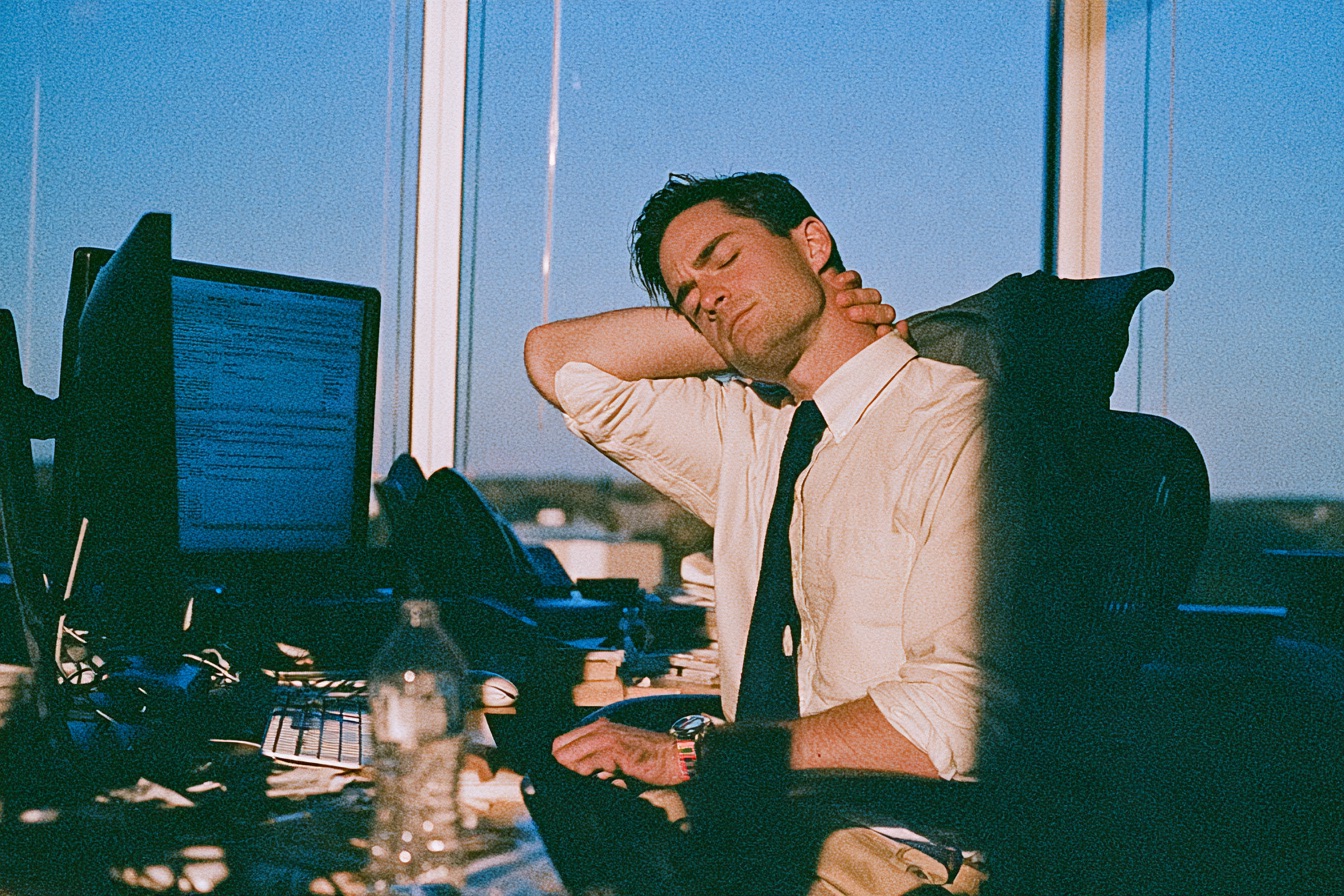
Picture this. It’s 3pm, you’ve been at your desk since morning, and you suddenly realise you’re kind of folded over your keyboard like a wilting houseplant. Sound familiar?
Most people who work at a desk don’t think much about how they sit. Why would they? A chair is a chair. You plonk yourself down, you get to work, and you don’t give it a second thought until your lower back starts complaining somewhere around Thursday afternoon.
But here’s the thing. That chair might be doing more damage than a decade of skipped gym sessions.
The Slow Creep of Bad Posture
Bad posture doesn’t happen all at once. It sneaks up on you.
One day you’re sitting tall and confident. Fast forward a few months of hunching toward a screen, and your shoulders have crept forward, your neck’s poking out like a curious turtle, and your spine has taken on a shape it was never meant to hold.
The tricky part is that your body adapts. Muscles get used to being short and tight. Others get weak from doing nothing. And before long, sitting badly actually feels more comfortable than sitting well, which is kind of a cruel joke when you think about it.
Ever noticed how you can’t seem to sit up straight for more than a few minutes without it feeling like hard work? That’s not laziness. That’s your body telling you it’s been trained into a shape it doesn’t love.
Your Chair Is Probably Part of the Problem
Look, a lot of office chairs just aren’t built for real bodies doing real work.
The cheap ones with no lumbar support? They practically encourage slouching. The seat’s too deep, so you either perch on the edge or slide back and let your lower back curve the wrong way. The armrests are either missing or set at some random height that makes your shoulders hunch up toward your ears.
And don’t get started on chairs that don’t adjust. Everyone’s built differently. A chair that suits a six foot four bloke is going to be all wrong for someone shorter, and vice versa. When the chair can’t move to fit you, you end up contorting to fit it. That’s backwards.
The truth is, your body spends roughly eight hours a day in this thing. Maybe more. If it’s not supporting you properly, those hours add up fast.
What Good Support Actually Looks Like
So what makes a chair genuinely good for your posture?
A few things matter more than the rest. You want proper lumbar support that fills the natural curve of your lower back. You want a seat you can raise or lower so your feet sit flat and your knees land at roughly a right angle. And you want a backrest that moves with you when you lean, rather than one that keeps you frozen upright like you’re at a job interview all day.
Armrests help too, when they’re set right. They take the load off your shoulders and neck, which is exactly where most desk workers carry their tension.
The other day someone mentioned they’d swapped their old chair for a properly adjustable one and the difference in their afternoon energy was almost weird. Less fidgeting. Fewer headaches. Turns out sitting well frees up a surprising amount of brainpower you didn’t know you were spending on discomfort.
If you’re in the market for something that won’t quietly punish your spine, decent office chairs are worth every dollar. Think of it less as furniture and more as a piece of gear you actually use all day.
Small Habits That Make a Big Difference
A good chair is half the battle. The rest is on you, and it’s simpler than you’d think.
Get up and move every half hour or so. Even a quick stretch or a lap to the kettle resets things, which is the same idea as getting the work done from the house without the day disappearing.
Keep your screen at eye level so you’re not craning down. And check in with yourself now and then. Are your shoulders creeping up? Are you slumping again? Just noticing is the first step.
Your posture didn’t fall apart overnight, and it won’t fix itself overnight either. But start with where you sit, add a few better habits, and give it a bit of time.
Future you, the one without the sore neck and grumpy lower back, will be pretty grateful you did.
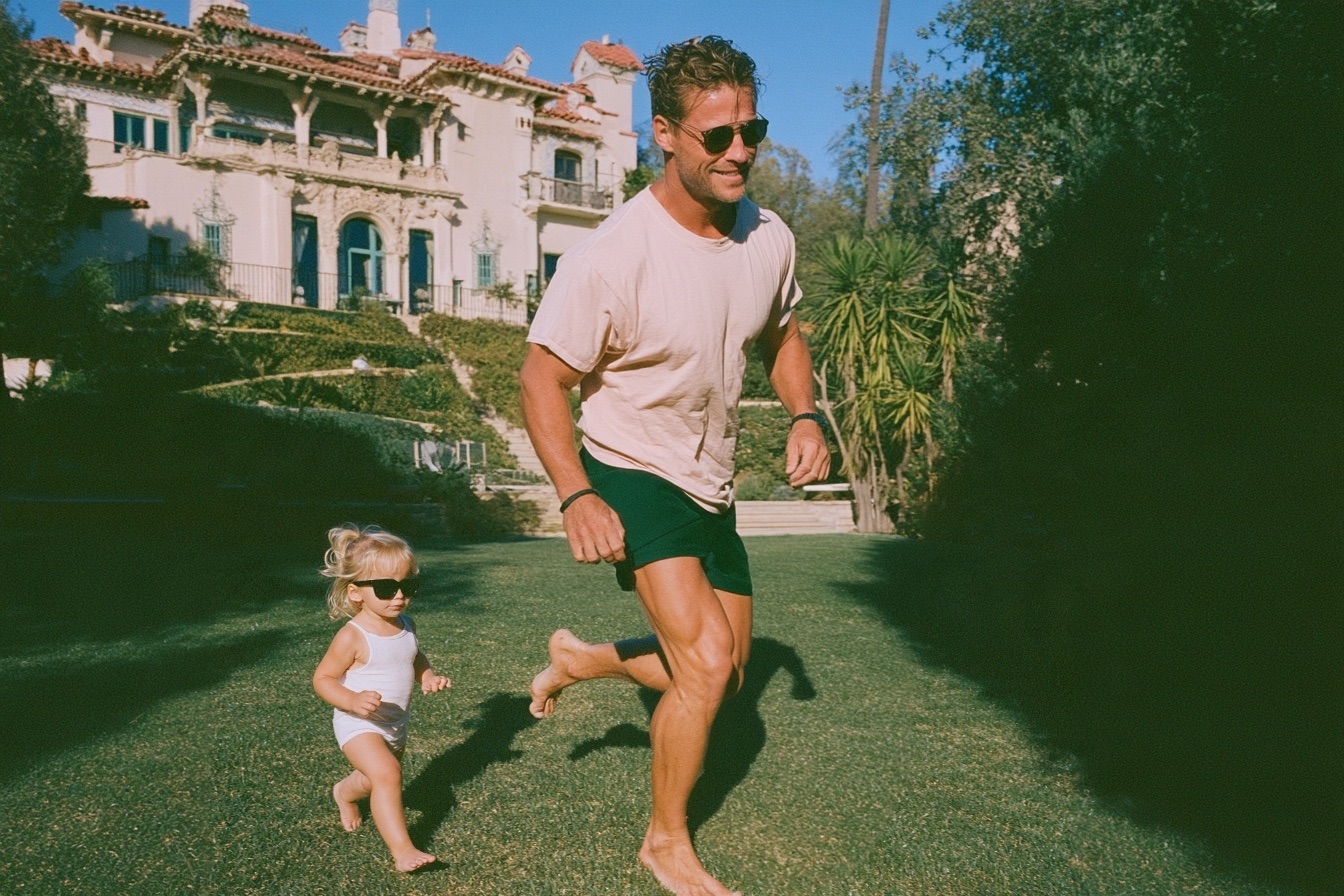
There’s something about walking barefoot across a stretch of proper grass that fake stuff just can’t touch. You know the feeling. That slightly cool, springy softness underfoot on a warm afternoon. Artificial turf, for all its convenience, tends to feel a bit like walking on a doormat by comparison.
And yet, more and more people are ripping out their lawns and rolling out plastic. The pitch sounds tempting. No mowing, no watering, no fuss. But here’s the thing, real turf brings a whole lot to the table that the synthetic version simply can’t replicate, no matter how clever the marketing gets.
The Feel Test Nobody Talks About
Picture this: it’s the middle of summer, and someone lets the kids loose in the backyard. On real grass, that’s a pretty comfortable setup. On artificial turf? That stuff can get properly hot. Like, “ouch, my feet” hot. Plastic absorbs heat and holds onto it, which is why a synthetic lawn on a scorcher can feel closer to a frying pan than a play area.
Real grass does the opposite. It actually cools the air around it. Ever noticed how much fresher a garden feels on a hot day compared to a paved courtyard? That’s not your imagination. Living grass releases moisture and knocks the temperature down naturally.
It’s Actually Doing Something for the Planet
Here’s a bit most people don’t think about. A healthy lawn works away quietly in the background, pulling carbon dioxide out of the air and releasing oxygen. It filters rainwater before it soaks into the ground. It gives insects, worms and all sorts of tiny creatures a place to live.
Artificial turf does none of that. It sits there. And when it eventually wears out, usually after a decade or so, it heads straight to landfill because it can’t be recycled easily. Not exactly the eco-friendly choice some folks assume it to be.
The truth is, a well-kept patch of real grass is a small ecosystem doing real work. That’s worth something.
Yes, There’s Effort. Let’s Be Honest About It.
Nobody’s going to pretend real turf looks after itself. It needs mowing. It needs a drink now and then. Every so often it wants a bit of feeding. This part’s a bit of a commitment, no getting around it.
But the effort tends to get exaggerated. A lot of the hard work happens at the start, when you’re choosing the right variety for your climate and soil. Get that bit right and the ongoing care becomes almost second nature. Some grass types are surprisingly tough and need very little water once they’ve settled in.
That’s where doing your homework pays off. Different varieties suit different conditions, and picking the wrong one is how people end up frustrated. If you want a proper look at what actually works where you live, the folks at All Year Round Turf have a solid rundown of options worth checking out before you commit to anything.
The Long Game
Artificial turf usually costs more upfront than most people expect. Then there’s the replacement cost down the line. Real turf, once established, keeps going year after year with just a bit of regular attention.
And it kind of improves with age, oddly enough. A lawn that’s been cared for develops this thick, healthy quality that new turf takes time to reach. It becomes part of the place. Somewhere the dog naps, the kids build forts, and you flop down on a Sunday afternoon with zero regard for grass stains.
Can you say that about plastic? Not really.
So, Is It Worth It?
Look, if someone genuinely can’t spare ten minutes a week for a bit of garden care, artificial turf might tick their box. Fair enough. But for most people, the trade-off leans heavily toward the real thing.
The smell of fresh-cut grass. The cool patch under a tree in summer. The way a proper lawn just feels alive. These aren’t things you can fake, however hard the synthetic stuff tries.
A little effort goes a long way here. And the payoff, honestly, is one of those simple pleasures that’s easy to forget until you’re lying on it, looking up at the sky, thinking yeah, this was the right call.

What to Expect in an RPL Competency Conversation With Your Assessor

Microlearning: The Journey from Brief Knowledge to Enormous Learning Results

Using an Excavator Loan to Grow Your Civil or Landscaping Business

After a Car Crash: A Practical Checklist for Health, Evidence, and Insurance

AI marketing tools for a small business, and what the owner still has to type
5 Ways For Startups To Succeed Making Acquisitions

77 Inspirational Quotes That Will Change Your Life
57 Memorable Kobe Bryant Quotes

(Images) 52 Motivational Picture Quotes For An Epic Year Of Success

40 Rare Motivational and Inspirational Picture Quotes
3 Prince EA Videos To Change Humanities Path To Greatness
(Video) What Is Success? An Entrepreneurial Story To Inspire You
(Inspirational Video) What If Today You Knew You Were Going To Take Your Last Breath?
How To Make Enough Money From A Blog To Quit Your Job – Kate McKibbin
How Finding Your Passion And Becoming An Entrepreneur Can Lead To Happiness – Chiquita Searle
-

 Life2 years ago
The 5 Stages of a Quarter-Life Crisis & What You Can Do
-

 Did You Know1 year ago
7 Surprising Life Lessons Video Games Taught Me That School Never Did
-

 Success Advice1 year ago
Stephen Covey’s 8 Leadership Habits That Will Change How You Lead Forever
-

 Life1 year ago
How to Stop the War in Your Head and Find Peace
-

 Featured2 years ago
The Psychology of Motivation: How to Keep Moving Forward Every Day
-

 Personal Development1 year ago
The Three-Second Pause That Changes How People Perceive You
-

 Explode Your Social Media1 year ago
Want More Views? Master These 6 YouTube Growth Tactics
-

 Change Your Mindset1 year ago
You Become What You Absorb: How Input Shapes Your Life